 HOZU
HOZUWith Hozu DevTools
Place it on your page. Your AI builds it.
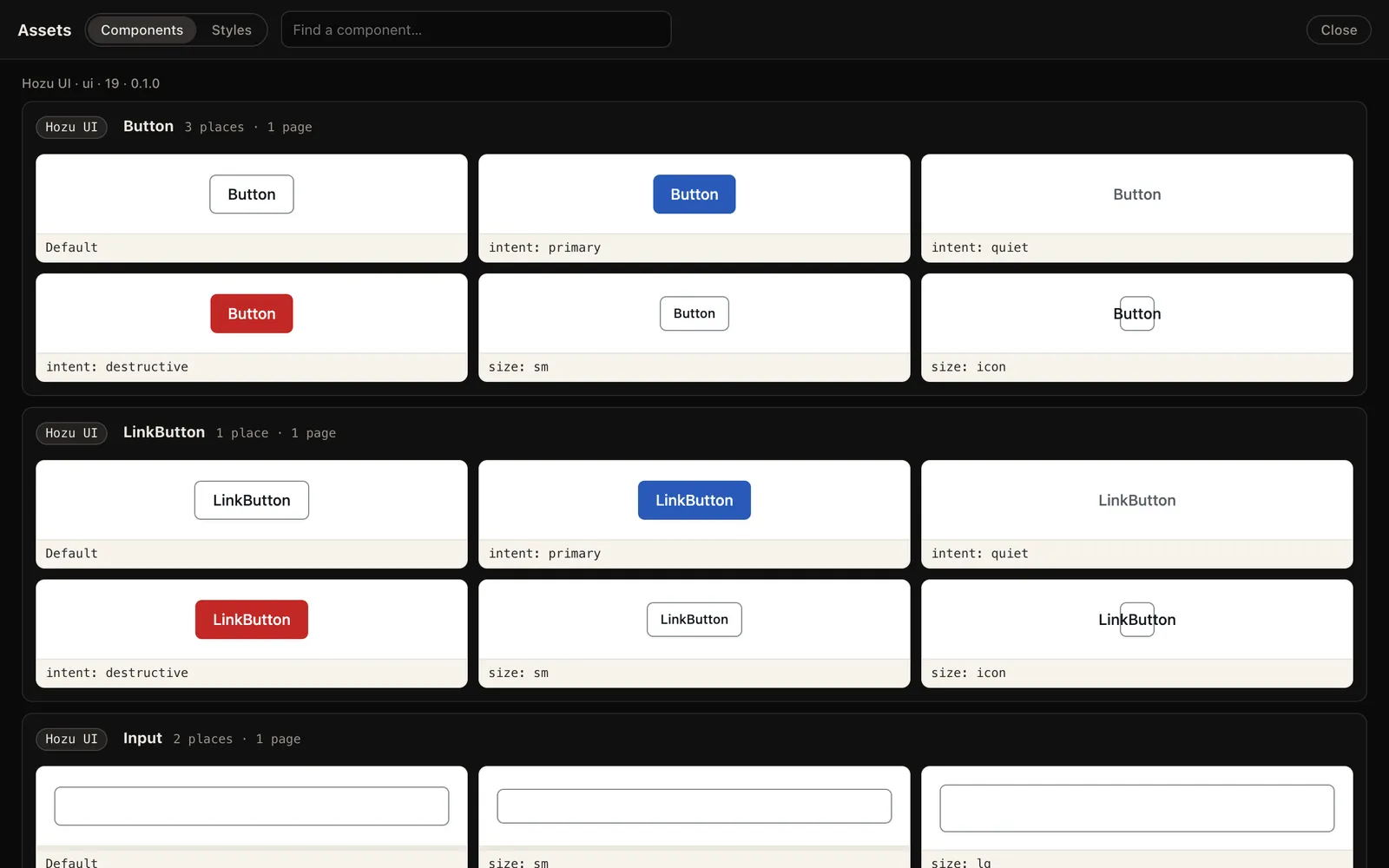
DevTools knows Hozu UI. Pick a component from the kit, put it where you want it on your running page, and say what it is for. Your agent gets a request with the file, the line and the exact call to write.
01
Open Assets
Run npx hozu dev, open DevTools, then Assets. Hozu UI comes first: the components you have, and the ones you can still add.
02
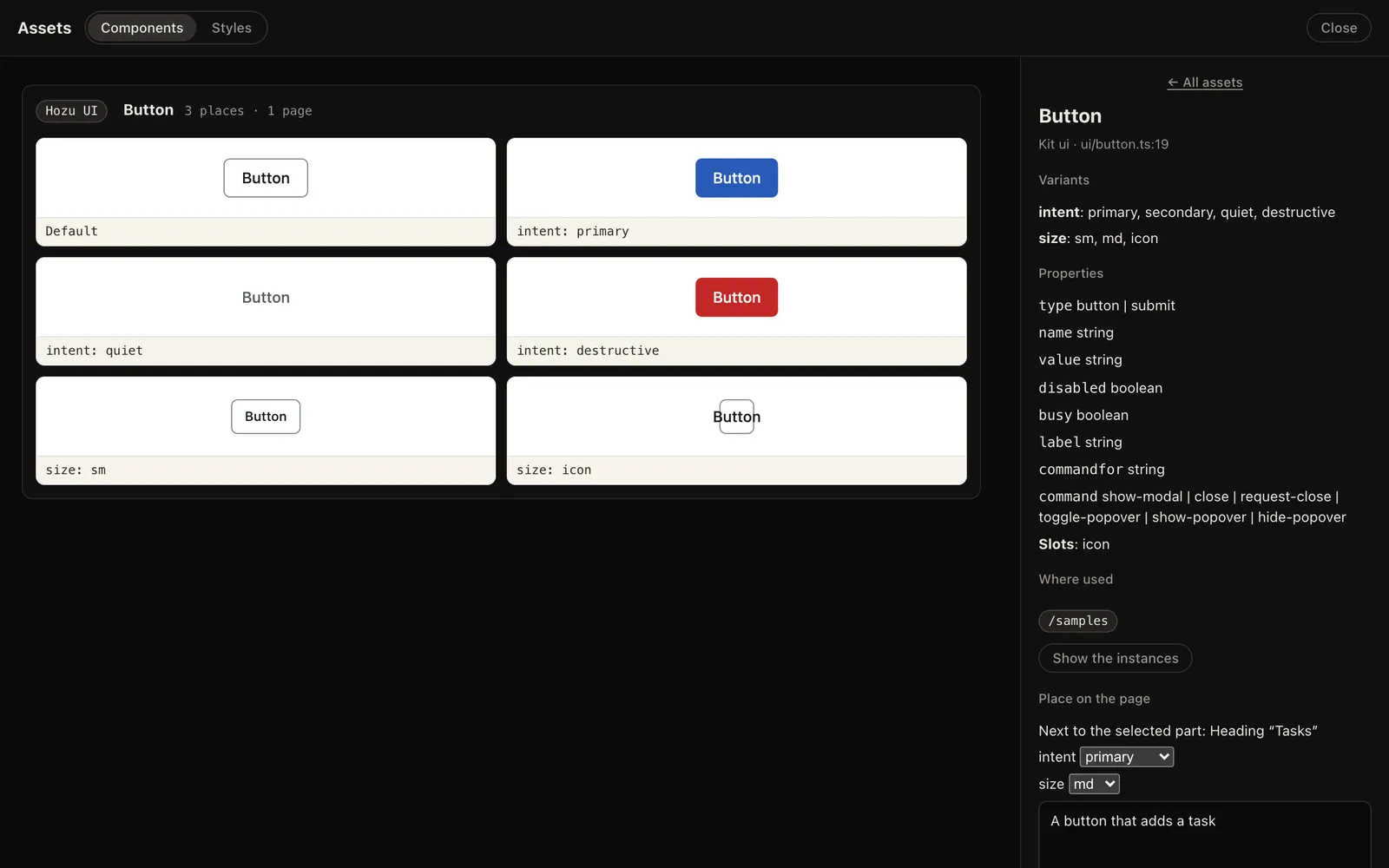
Place it
Select a part of your page. Choose a component and a variant, then Place before, after or inside the part.
03
Say why
Write a note in your words. Or change a component itself: one request edits it everywhere it is used.
04
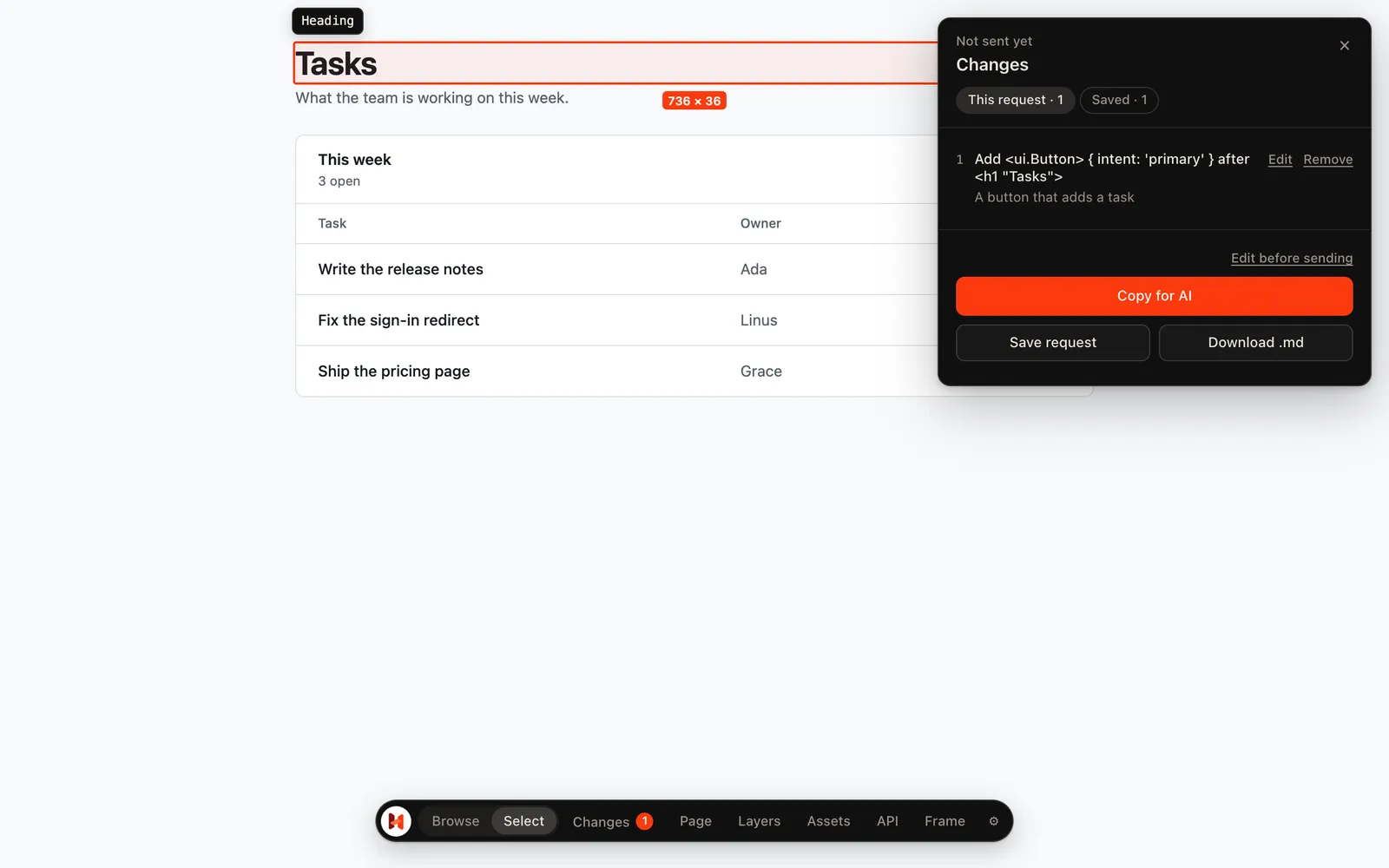
Hand it over
Copy for AI or Save request. Your agent installs what is missing, places it, then runs hozu check.
What your agent reads
Plain Markdown: where, what for, and the call to write. If the component is not in your app yet, the request says to install it first.
# Hozu request: A button that adds a task Page `/` · 1280 × 800 ## 1. Add <ui.Button> { intent: 'primary' } after <h1 "Tasks">- Want: A button that adds a task- Where: `features/tasks/views.ts:13:12` (view `tasks.Board`)- Mind: import it from `ui/button.ts`; place `ui.use(Button, { variant: { intent: 'primary' } }, [...])` after it, as a sibling; `hozu docs ui` lists its props and slots.- Locate: `hozu why /features/tasks/views/Board/root/children/0/children/0` Run `hozu check` after the edits.